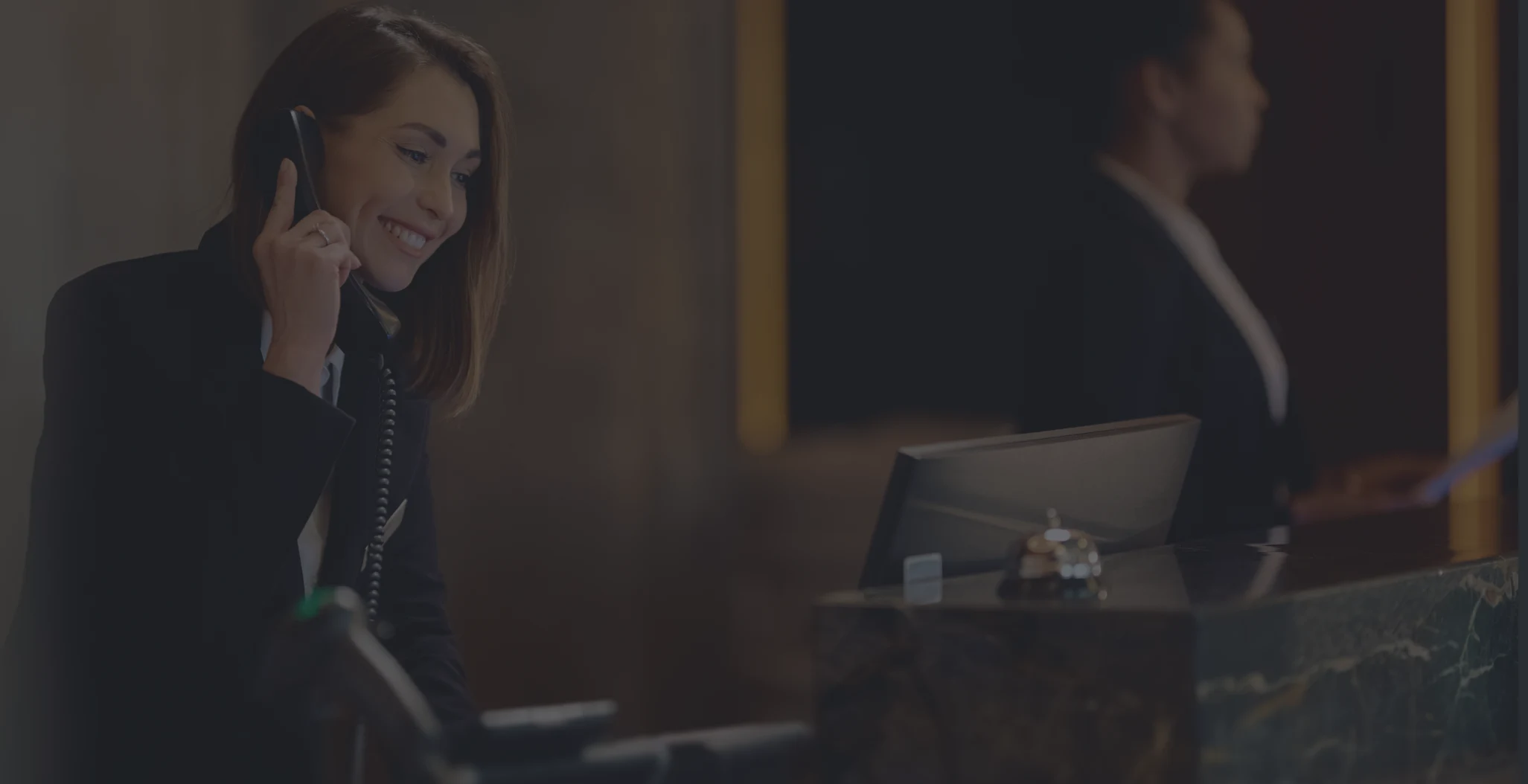

Hotel receptionist speaking on a phone.
hotel icon

Guest Communication

Guest Calling, Built Into GMS

Enable voice and video calls between guests and staff, manage who guests can contact, and control availability for each property from one simple GMS setup.

phone icon

Modern Guest Calling

phone icon

Modern Guest Calling

Replace Room Phones With a Smarter Calling Experience

Replace Room Phones With a Smarter Calling Experience

Turn the in-room tablet and guest mobile app into a modern intercom, helping guests quickly reach the right hotel team without using traditional room phones.

Turn the in-room tablet and guest mobile app into a modern intercom, helping guests quickly reach the right hotel team without using traditional room phones.

Tablet screen icon representing in-room guest calling.

In-Room Tablet Calls

Guests can open the tablet app, choose voice or video calling, and connect with the right hotel team directly from their room.

Mobile phone icon representing guest app calling.

Mobile Guest App Calls

Guests can also start calls from the mobile guest app, making it easy to contact staff even when they are outside the room.

Team members icon representing multiple hotel departments.

Multiple Departments

Instead of one fixed phone line, hotels can make teams available, so guests call the most relevant department for their request.

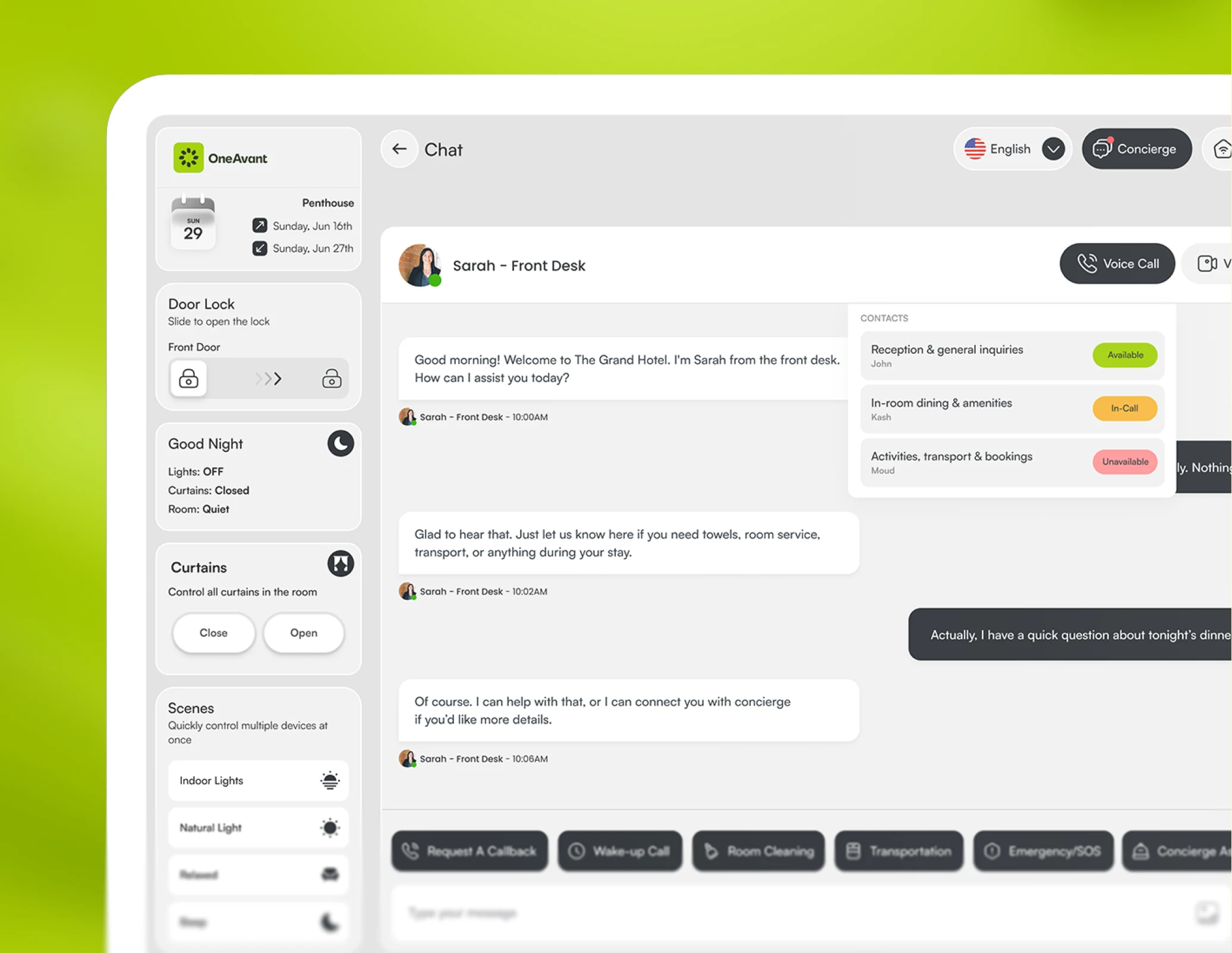
Guest calling dashboard on tablet interface.
Tablet screen icon representing in-room guest calling.

In-Room Tablet Calls

Guests can open the tablet app, choose voice or video calling, and connect with the right hotel team directly from their room.

Mobile phone icon representing guest app calling.

Mobile Guest App Calls

Guests can also start calls from the mobile guest app, making it easy to contact staff even when they are outside the room.

Team members icon representing multiple hotel departments.

Multiple Departments

Instead of one fixed phone line, hotels can make teams available, so guests call the most relevant department for their request.

Guest calling dashboard on tablet interface.
Tablet screen icon representing in-room guest calling.

In-Room Tablet Calls

Guests can open the tablet app, choose voice or video calling, and connect with the right hotel team directly from their room.

Mobile phone icon representing guest app calling.

Mobile Guest App Calls

Guests can also start calls from the mobile guest app, making it easy to contact staff even when they are outside the room.

Team members icon representing multiple hotel departments.

Multiple Departments

Instead of one fixed phone line, hotels can make teams available, so guests call the most relevant department for their request.

Guest calling dashboard on tablet interface.
folder icon

Smart Call Routing

Guide Every Guest Call To The Right Team

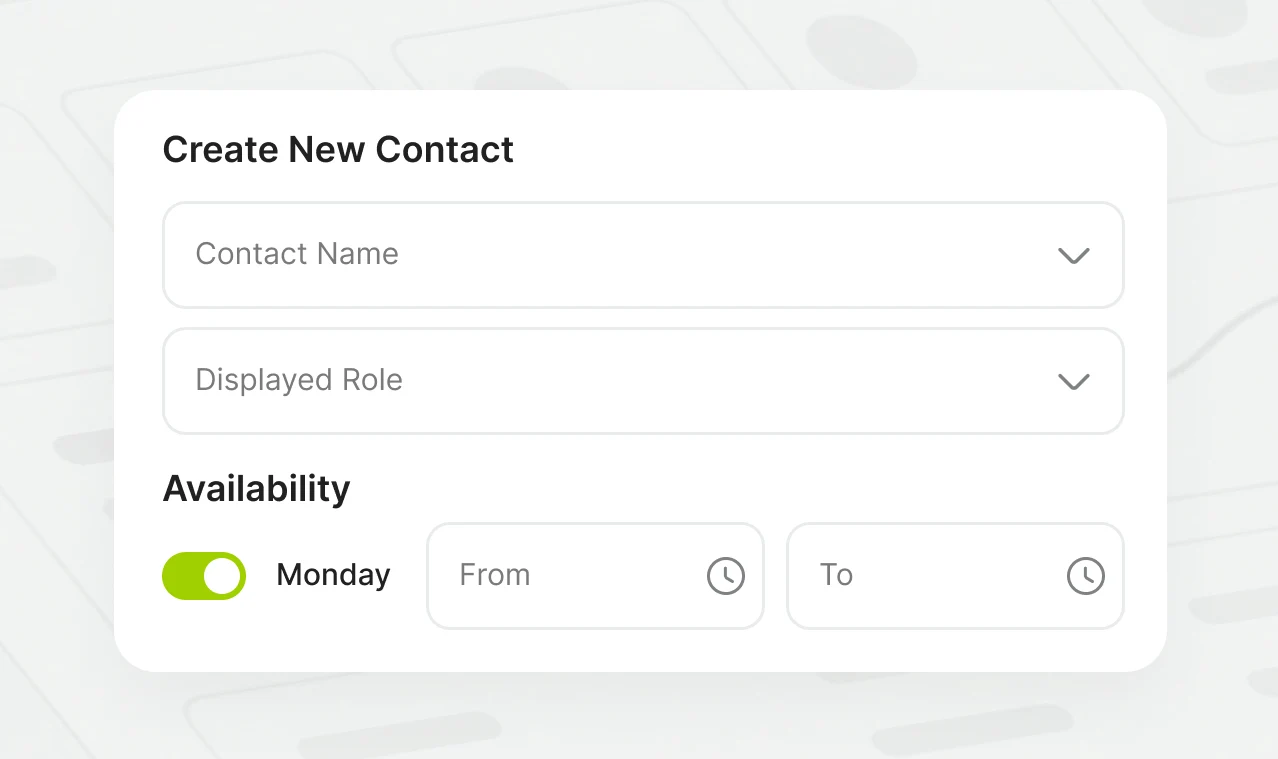
Control who guests can call, how contacts appear, and when each department is available, so every request reaches the right staff member without confusion.
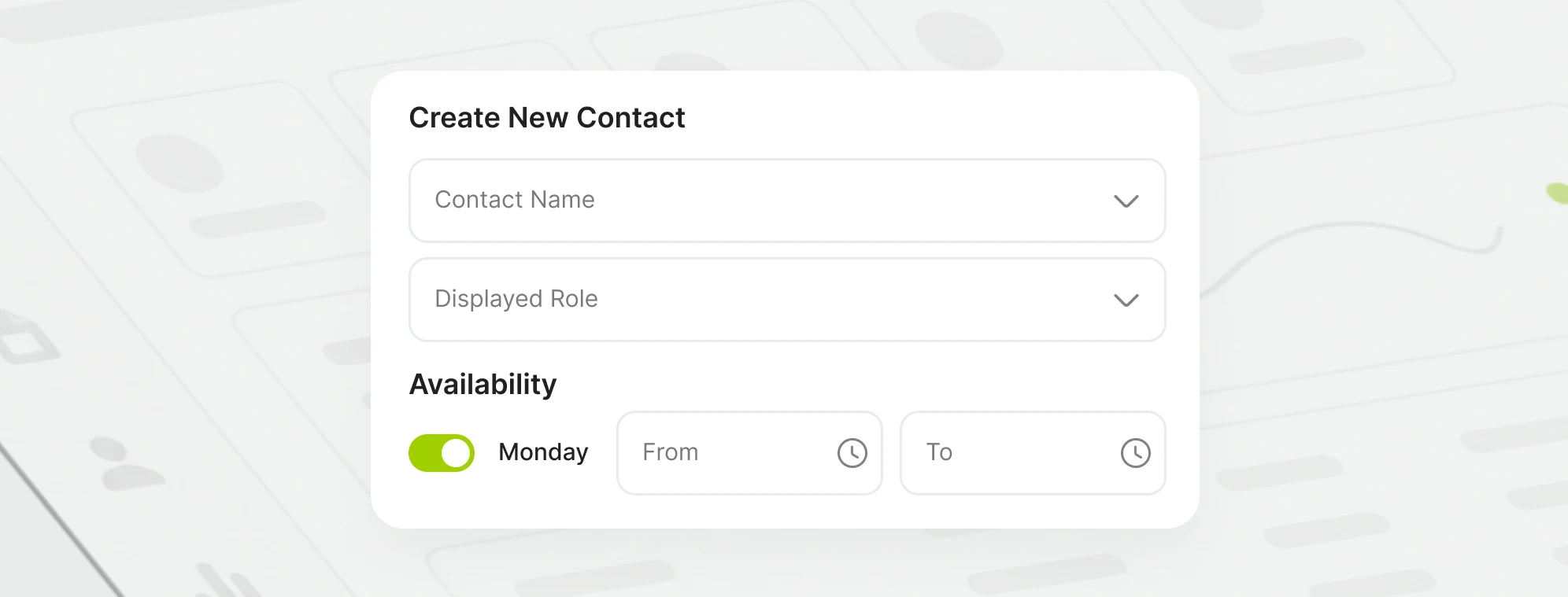
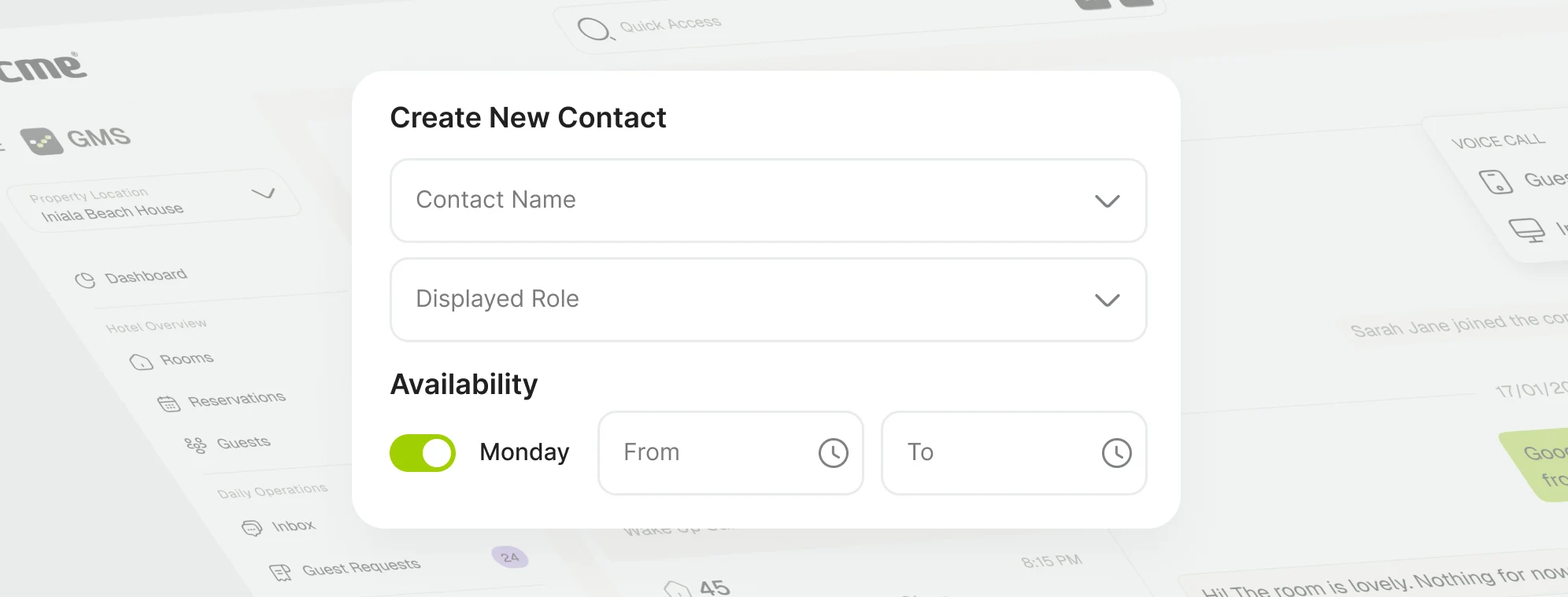
Callable Departments

Add staff or departments like Front Desk, Room Service, Concierge, or Maintenance, so guests can call the team that matches their request.

Contact setup form for guest calling departments.

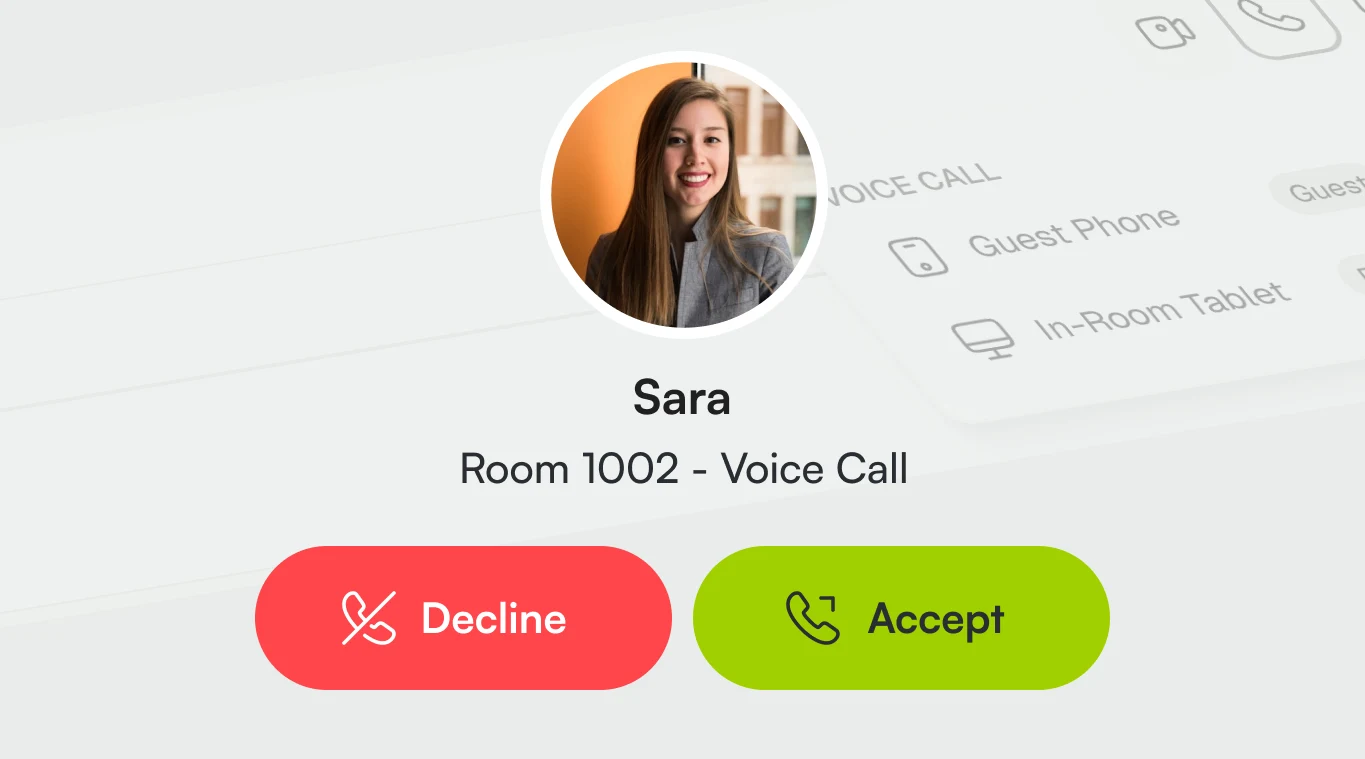
Display Roles

Give each contact a guest-facing role, so guests understand who they are calling before they start the call.

Incoming guest call screen with staff role display.

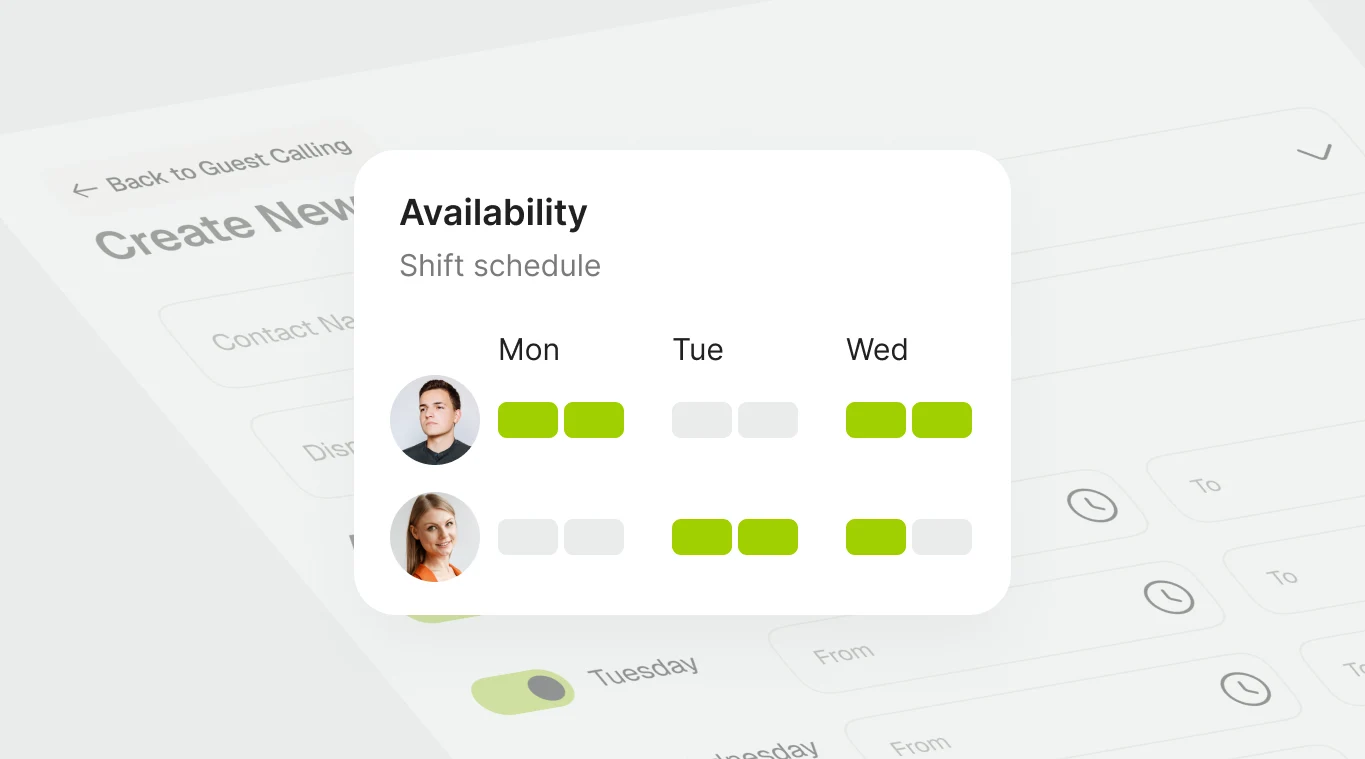
Availability Schedules

Set availability by shift, so guests only see contacts who are ready to take calls.

Staff availability schedule for guest call contacts.

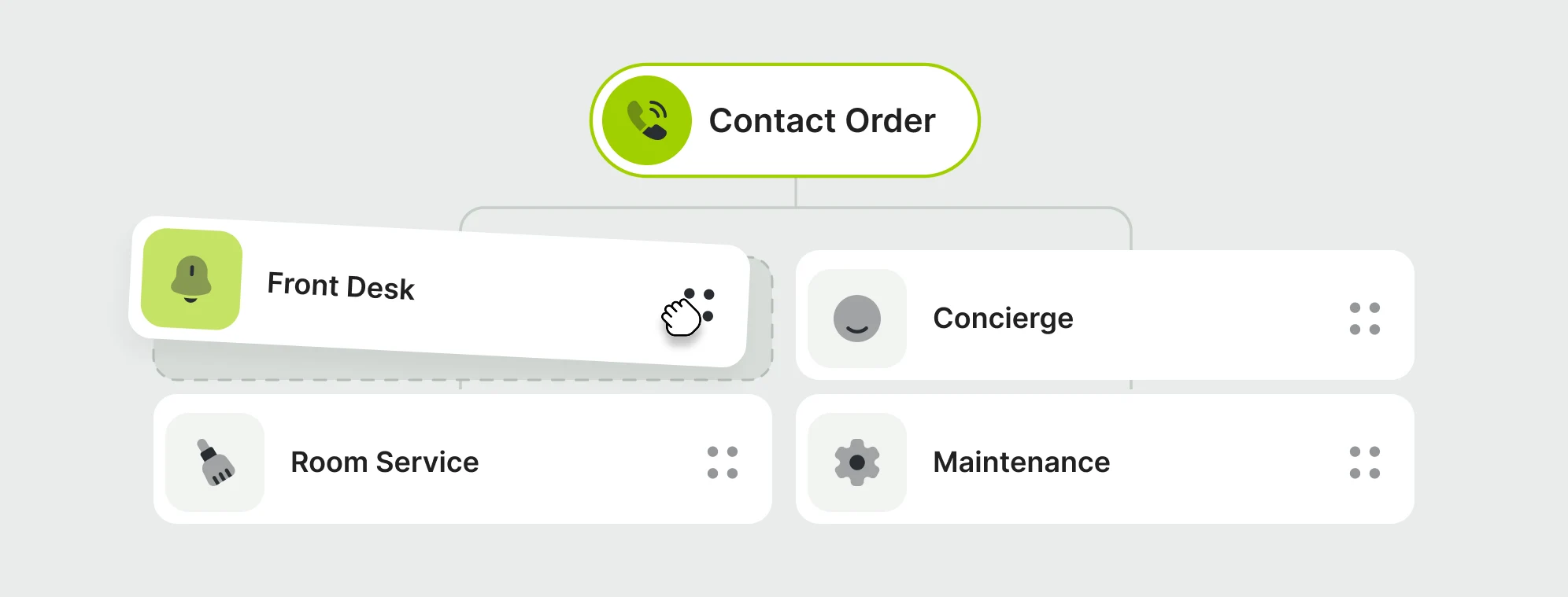
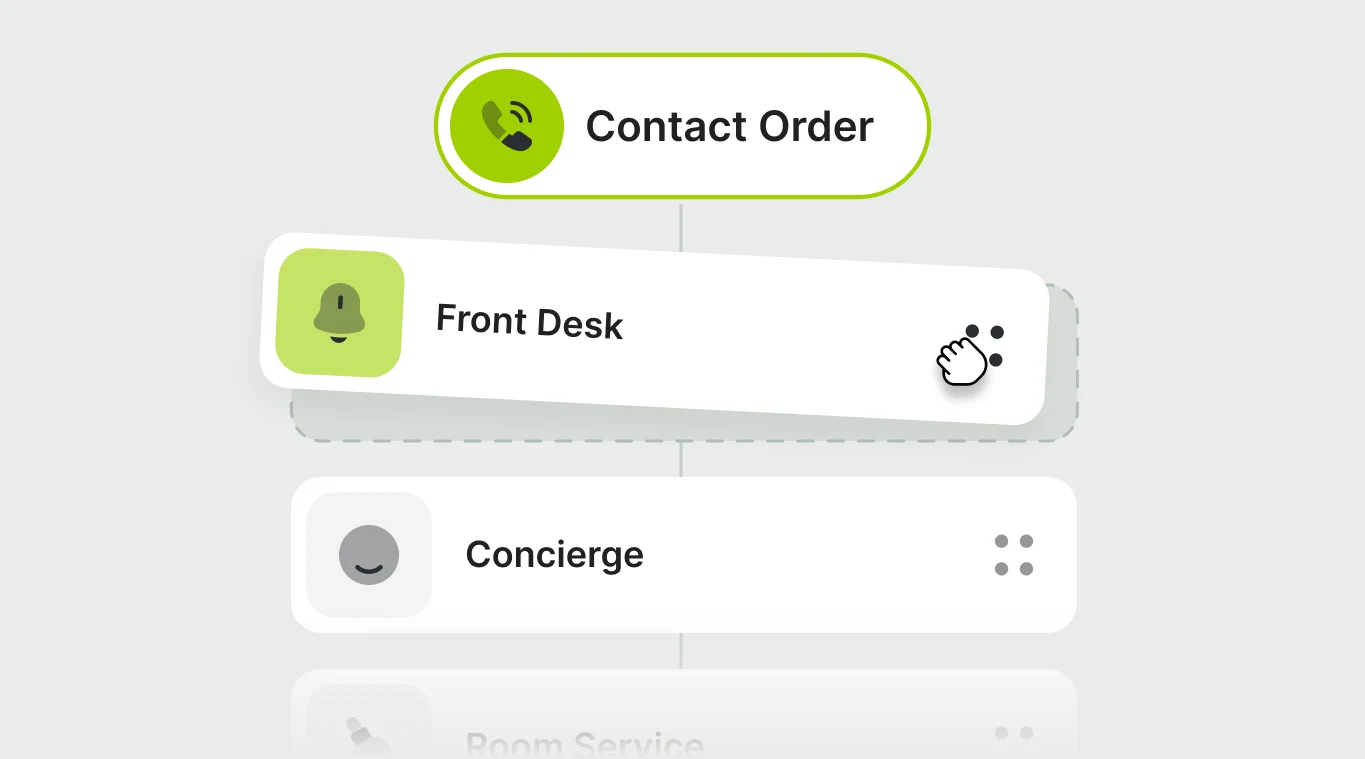
Contact Order

Reorder callable contacts so key departments appear first for guests, helping them find the right support faster.

Department contact order for guest calling.

Callable Departments

Add staff or departments like Front Desk, Room Service, Concierge, or Maintenance, so guests can call the team that matches their request.

Real-time supply traceability linking warehouse, system, and factory.

Display Roles

Give each contact a guest-facing role, so guests understand who they are calling before they start the call.

Real-time supply traceability linking warehouse, system, and factory.

Availability Schedules

Set availability by shift, so guests only see contacts who are ready to take calls.

Real-time supply traceability linking warehouse, system, and factory.

Contact Order

Reorder callable contacts so key departments appear first for guests, helping them find the right support faster.

Real-time supply traceability linking warehouse, system, and factory.
staff icon

Staff Calling

Reach Guests on Tablet or Mobile

Staff can start calls from the GMS Inbox and choose whether to ring the guest’s in-room tablet or mobile app, making it easier to contact guests wherever they are.

GMS inbox call icon

Start from GMS Inbox instantly

Staff place calls directly from the guest conversation.

Tablet or mobile call icon

Ring tablet or mobile always

Choose whether to contact the in-room tablet or the guest’s mobile app.

Desktop call answer icon

Answer from PC or Companion App

Staff can receive guest calls from the admin dashboard or their phone.

live call icon

Live Call Experience

Keep Every Guest Call Easy to Manage

Keep Every Guest Call Easy to Manage

Give staff and guests the right controls during every call, from quick voice support to full video conversations, without interrupting the service flow.

Give staff and guests the right controls during every call, from quick voice support to full video conversations, without interrupting the service flow.

Stay connected while working inside GMS

When staff are on an active call, call controls stay accessible through a banner or floating widget, so they can continue navigating the dashboard without losing the call.
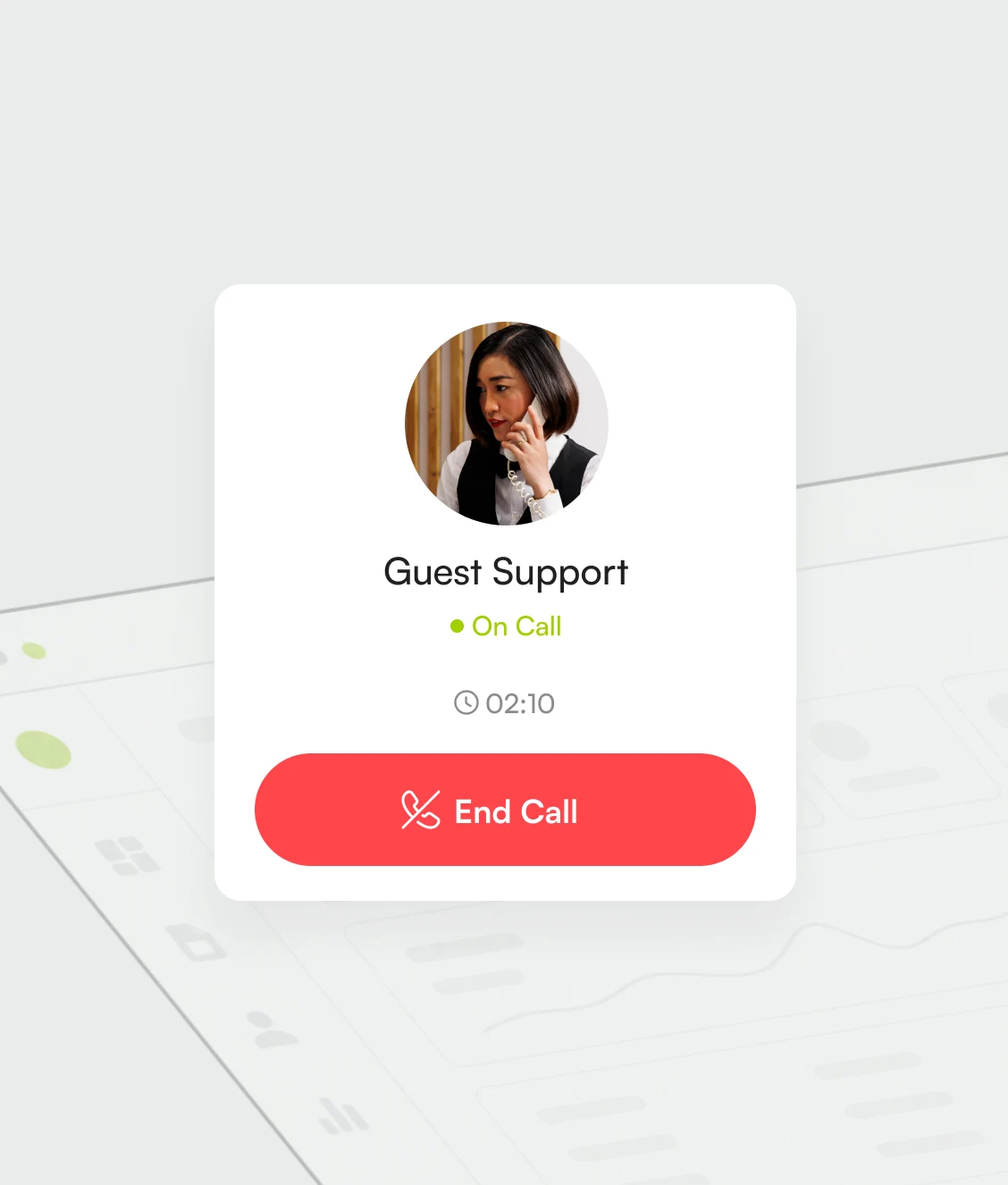
Active guest call widget.

Expand video when needed

Open video calls in fullscreen for clearer conversations.
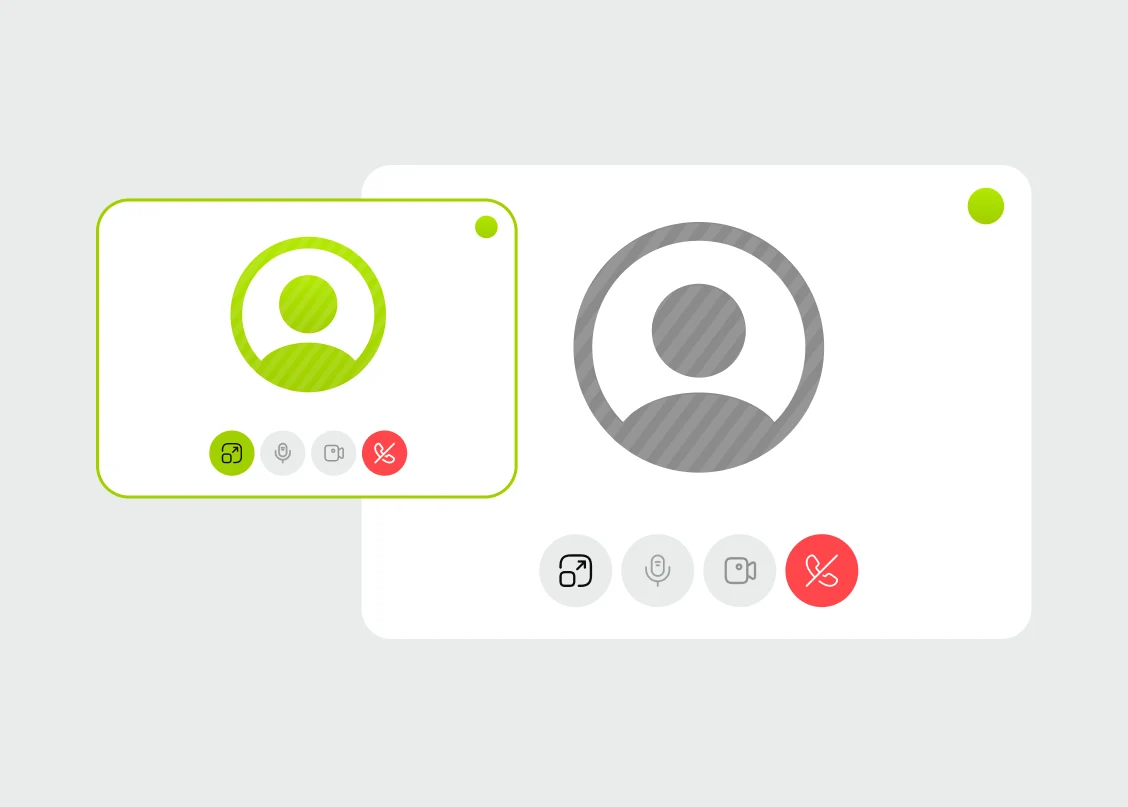
Fullscreen video call view.

Switch from voice to video

Move from a quick voice call to a video call easily.
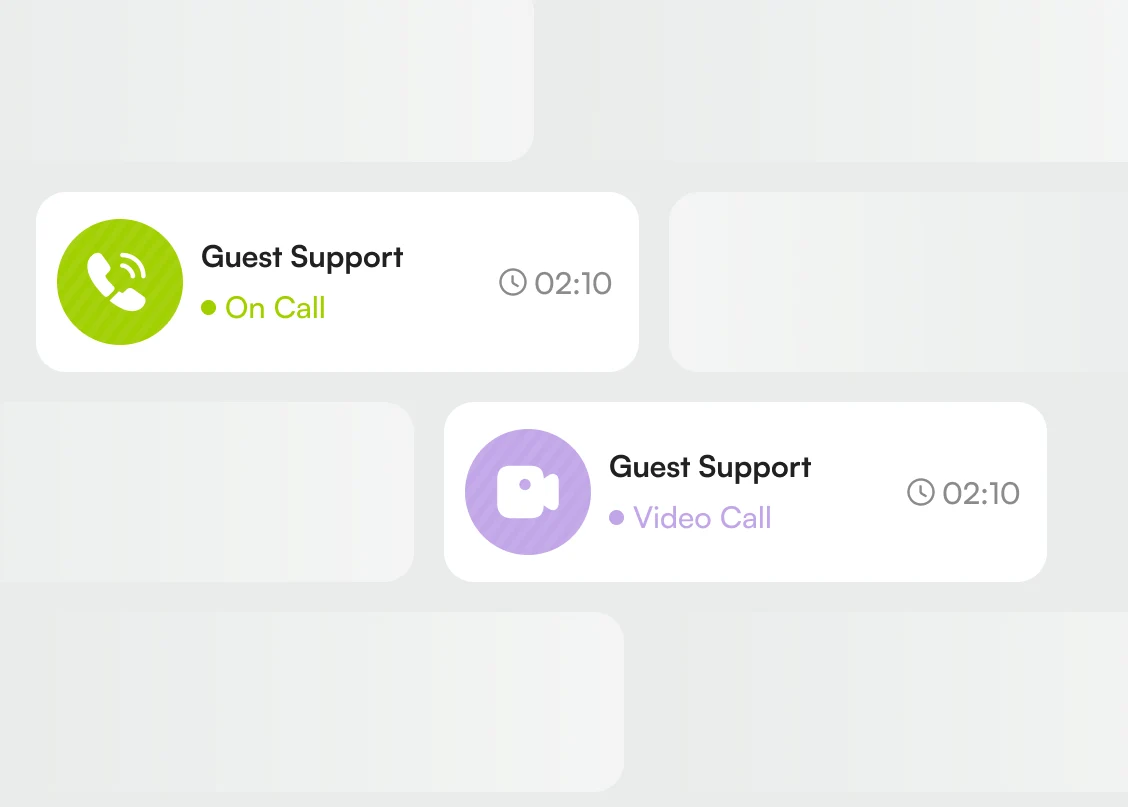
Voice to video call switch.

Control mic and camera

Mute the microphone, enable or disable the camera.
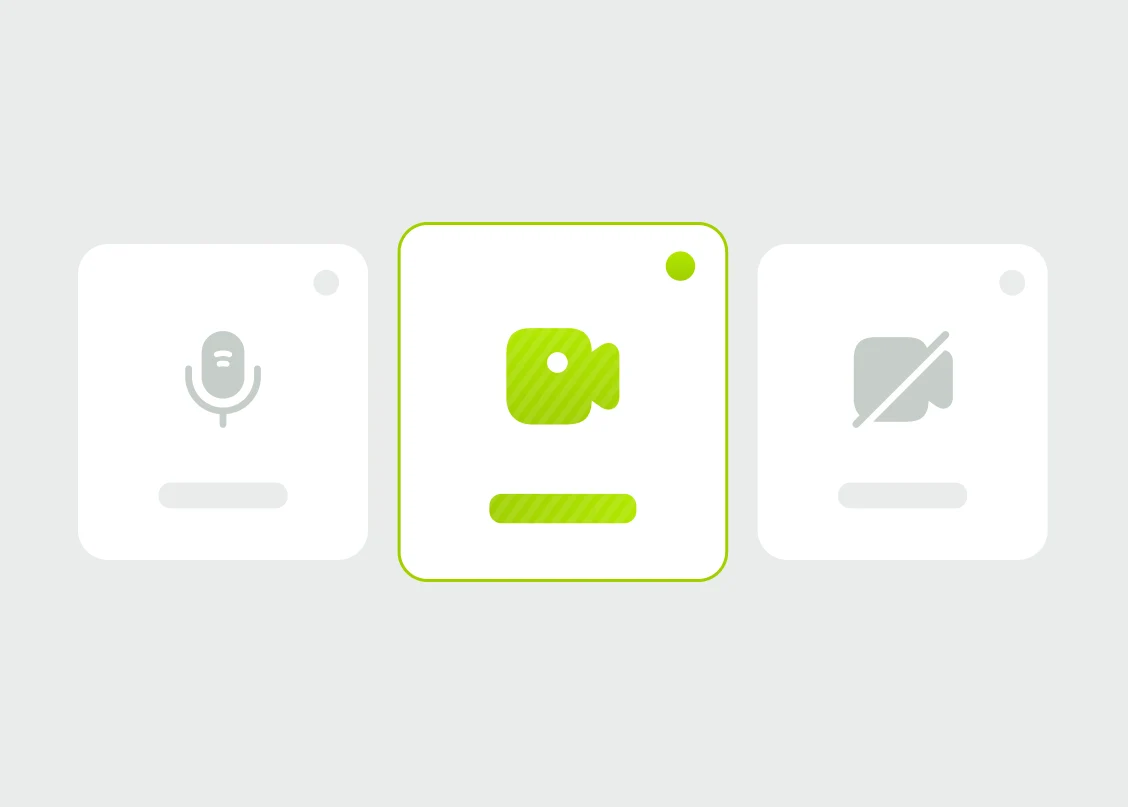
Mic and camera controls.

End calls instantly

Close the conversation quickly once the guest request is handled.
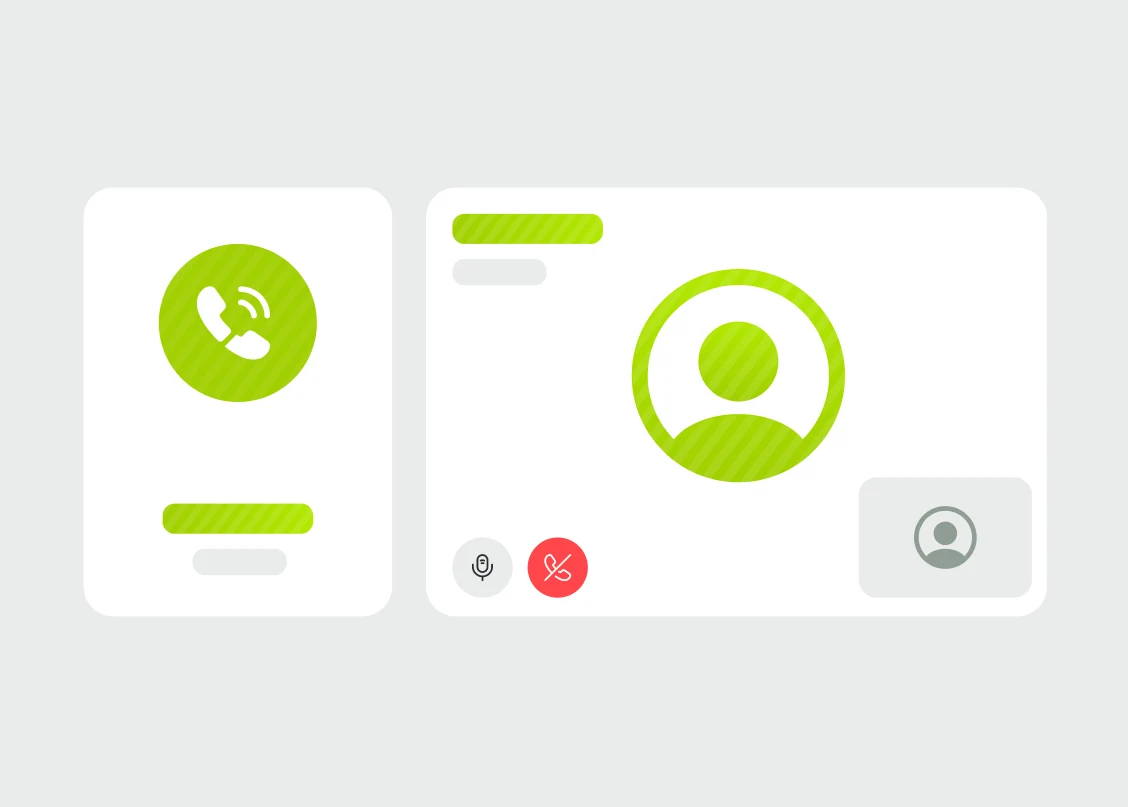
End call control screen.

Give Guests a Faster Way to Reach You

Join leading hotels and resorts worldwide. Get started with a personalized demo.

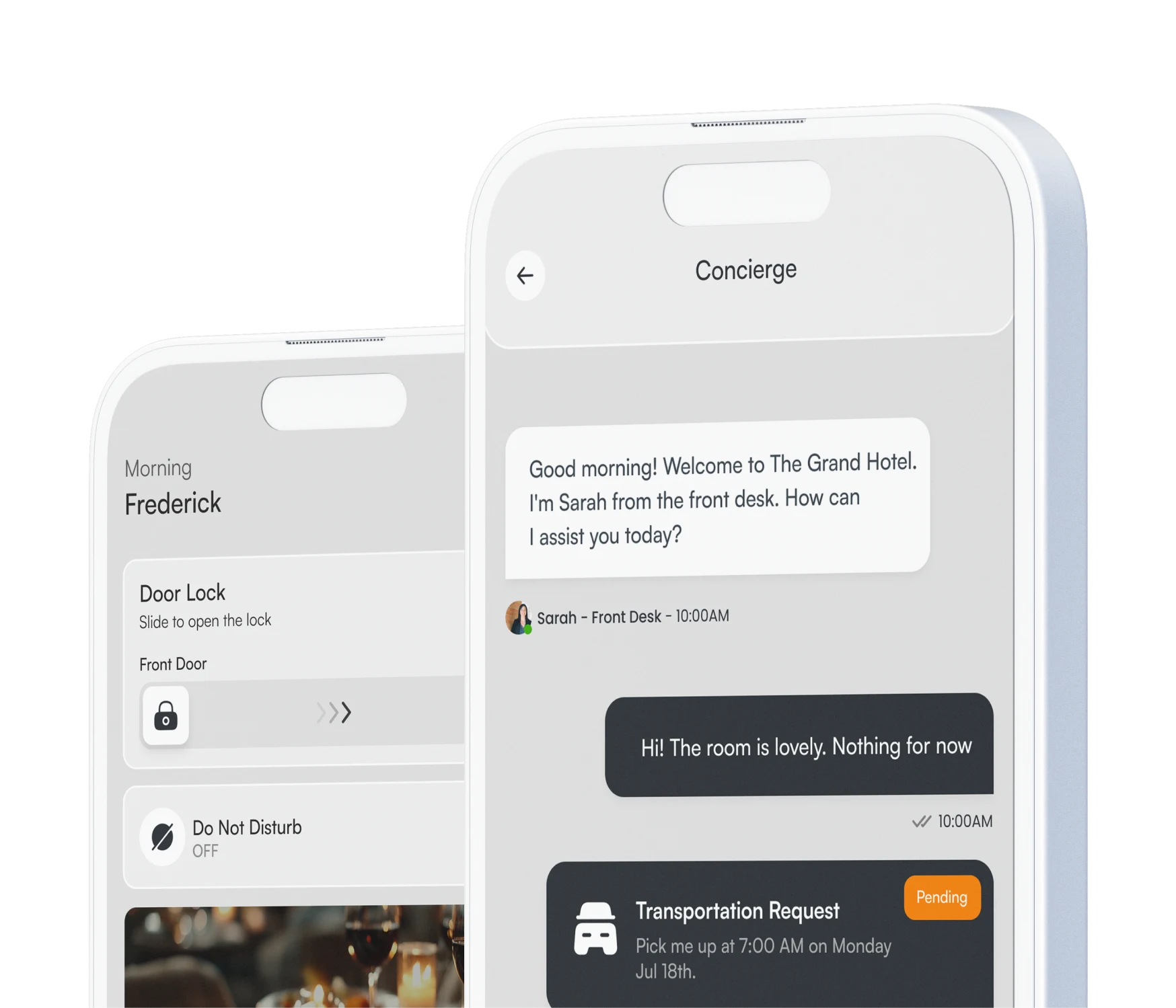
Mobile guest app chat screen.

Give Guests a Faster Way to Reach You

Join leading hotels and resorts worldwide. Get started with a personalized demo.

Mobile guest app chat screen.