See your operation clearly with OneAvant BI
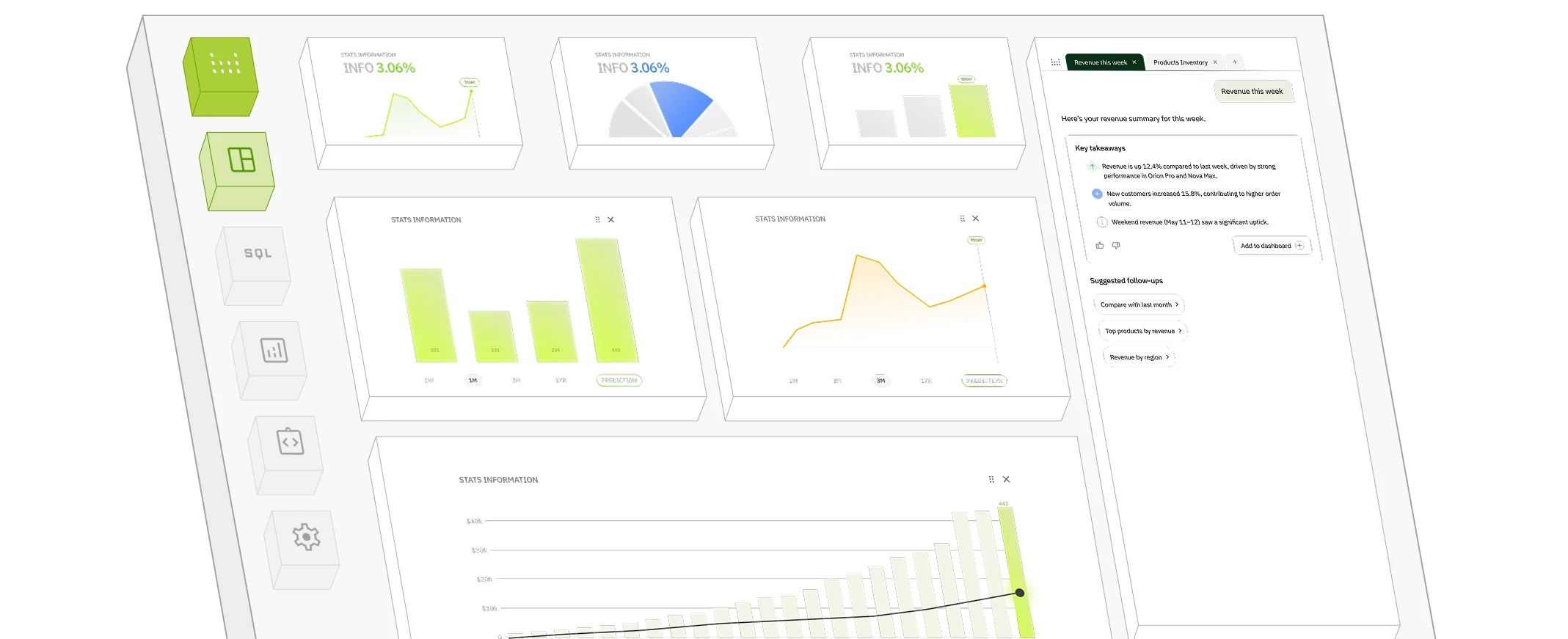
OneAvant Business Intelligence connects the systems your operation already runs, including point of sale, delivery, loyalty, HR, food cost, inventory, and finance, into one analytics warehouse.





When you scale, scattered data becomes risk.


Core Modules
Filterable dashboards built on trusted queries
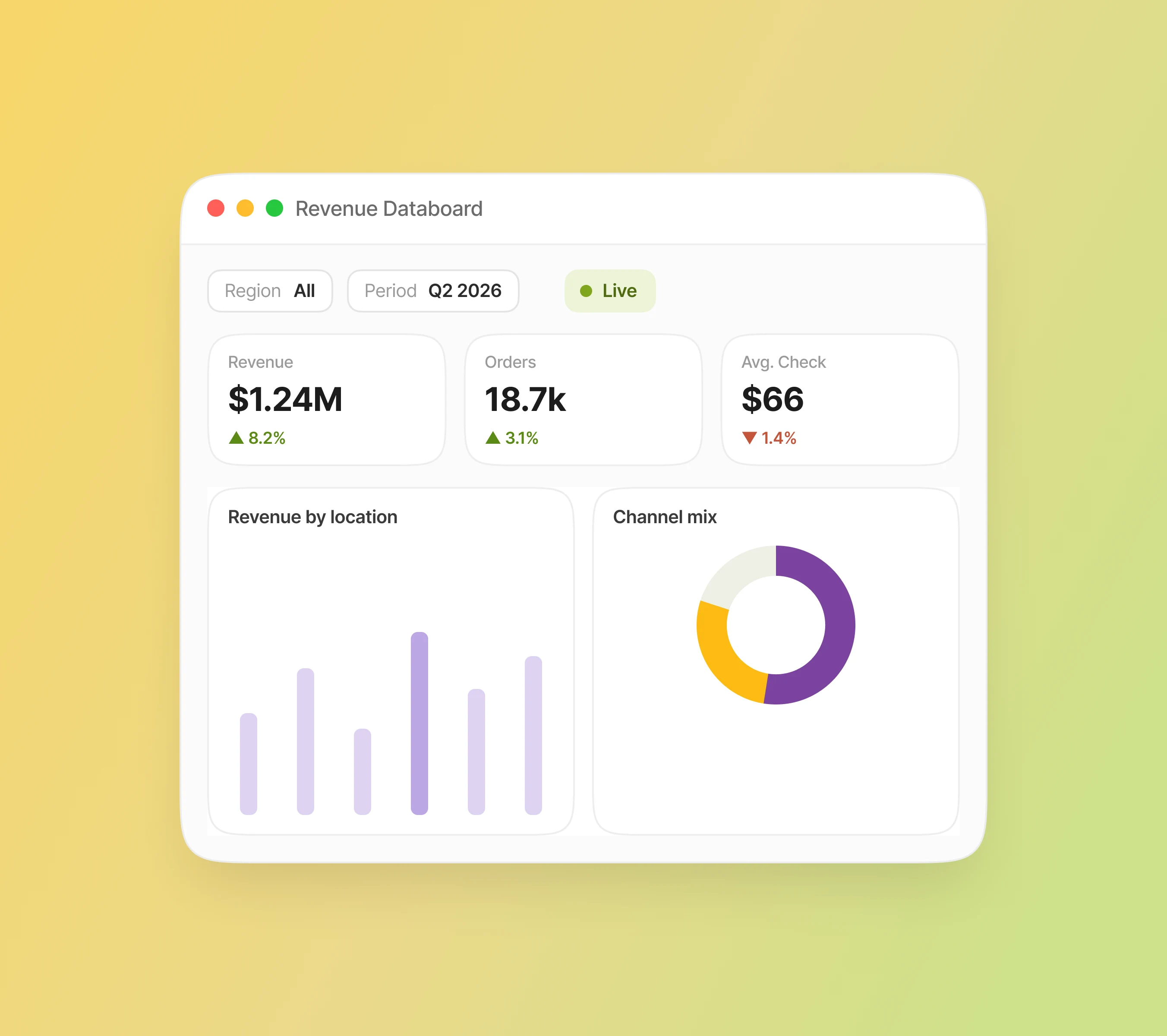
Databoards are interactive, branded dashboard canvases your team actually wants to open. Combine multiple queries, add filters your regional managers can adjust without touching SQL, and deliver a consistent view from boardroom to back office.
Insights delivered, not buried
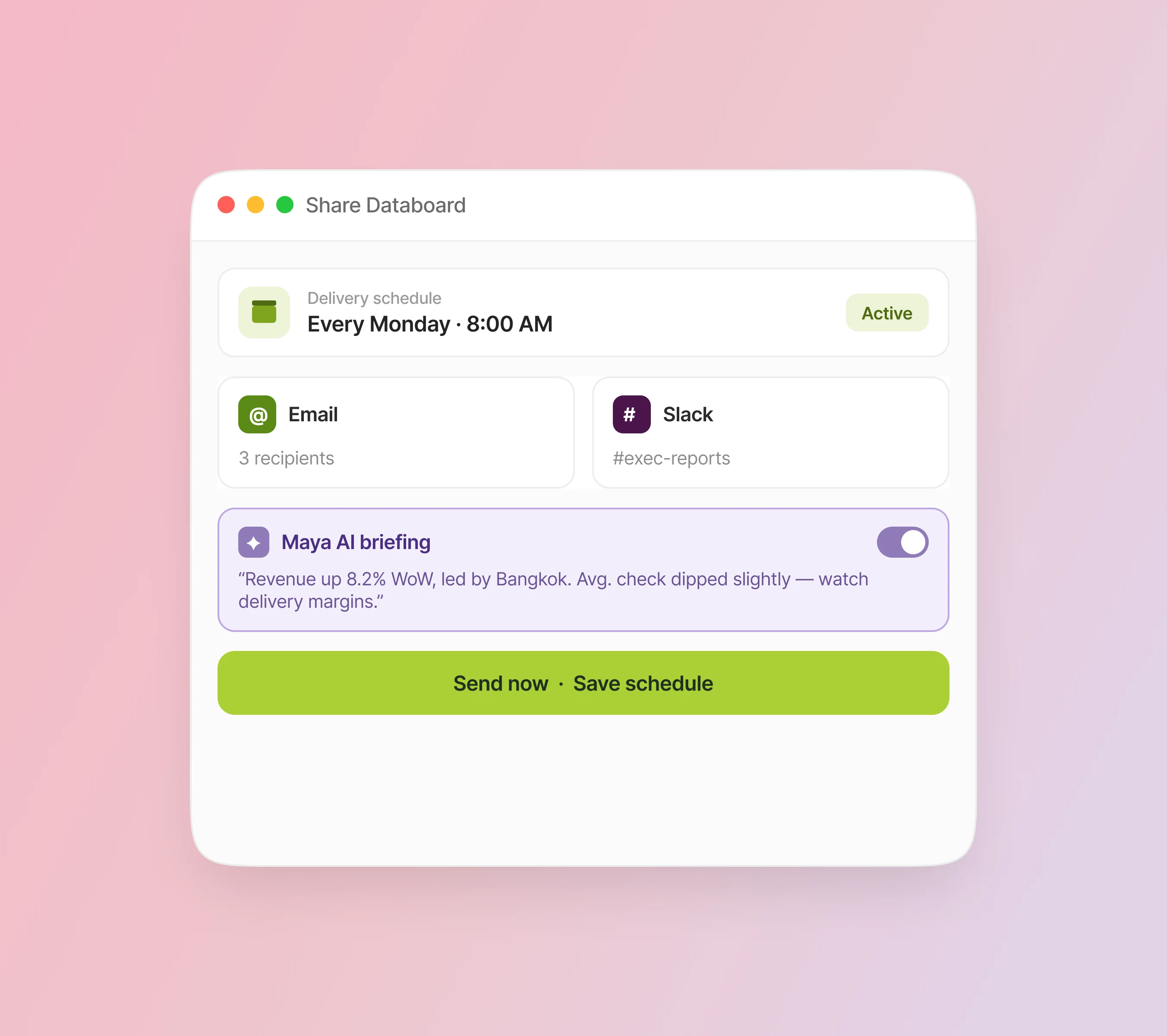
The best dashboard is useless if nobody sees it. AvantBI Sharing lets you push Databoards to the people who need them, on a schedule, in the channel they already use, with optional AI-written executive summaries.
Know before it is too late
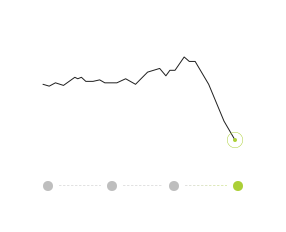
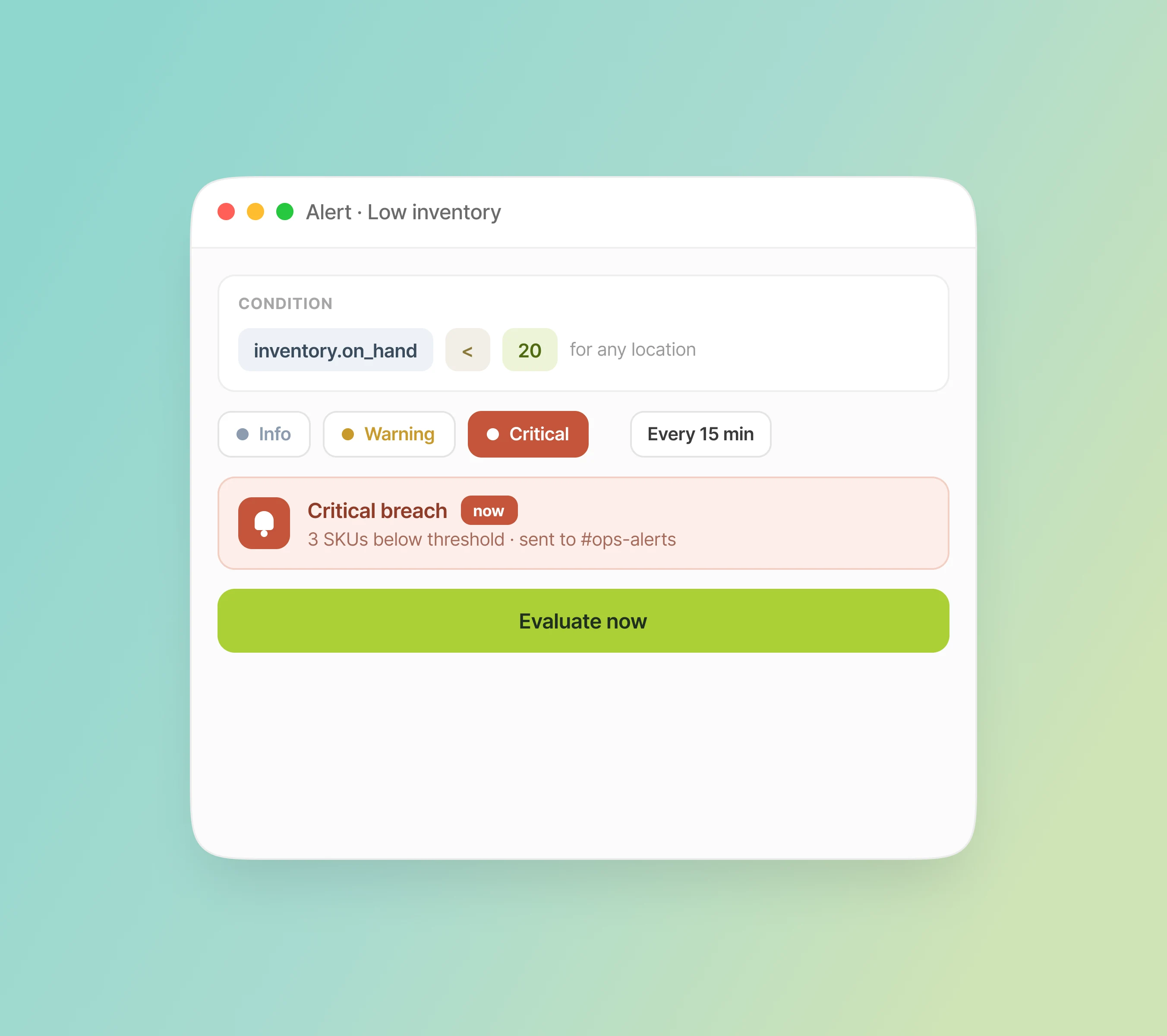
Turn any saved query into a monitored KPI. AvantBI runs the query on a schedule, evaluates your condition, and notifies the right people via email or Slack when thresholds are breached.
Connect once, sync continuously
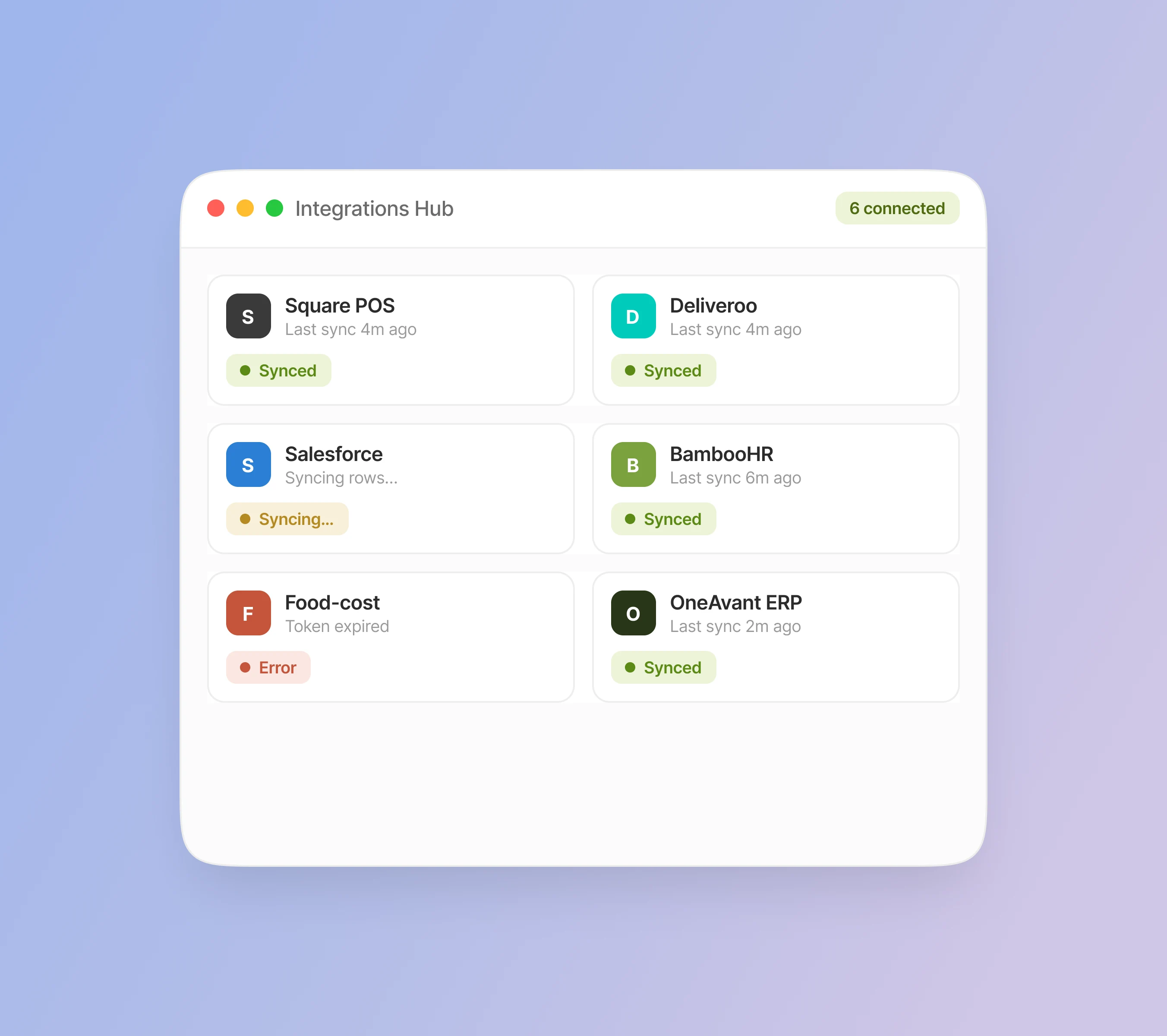
The Integrations Hub centralizes your data sources. Set up credentials, test connections, monitor syncs, and connect POS, delivery, loyalty, HR, food cost, ERP, or any database.
AI-assisted analysis for your warehouse
Maya is OneAvant’s AI assistant, integrated into Business Intelligence. She helps analysts and power users draft SQL, suggest chart types, and generate Databoard briefings, with review before anything runs.

BI that belongs to the platform
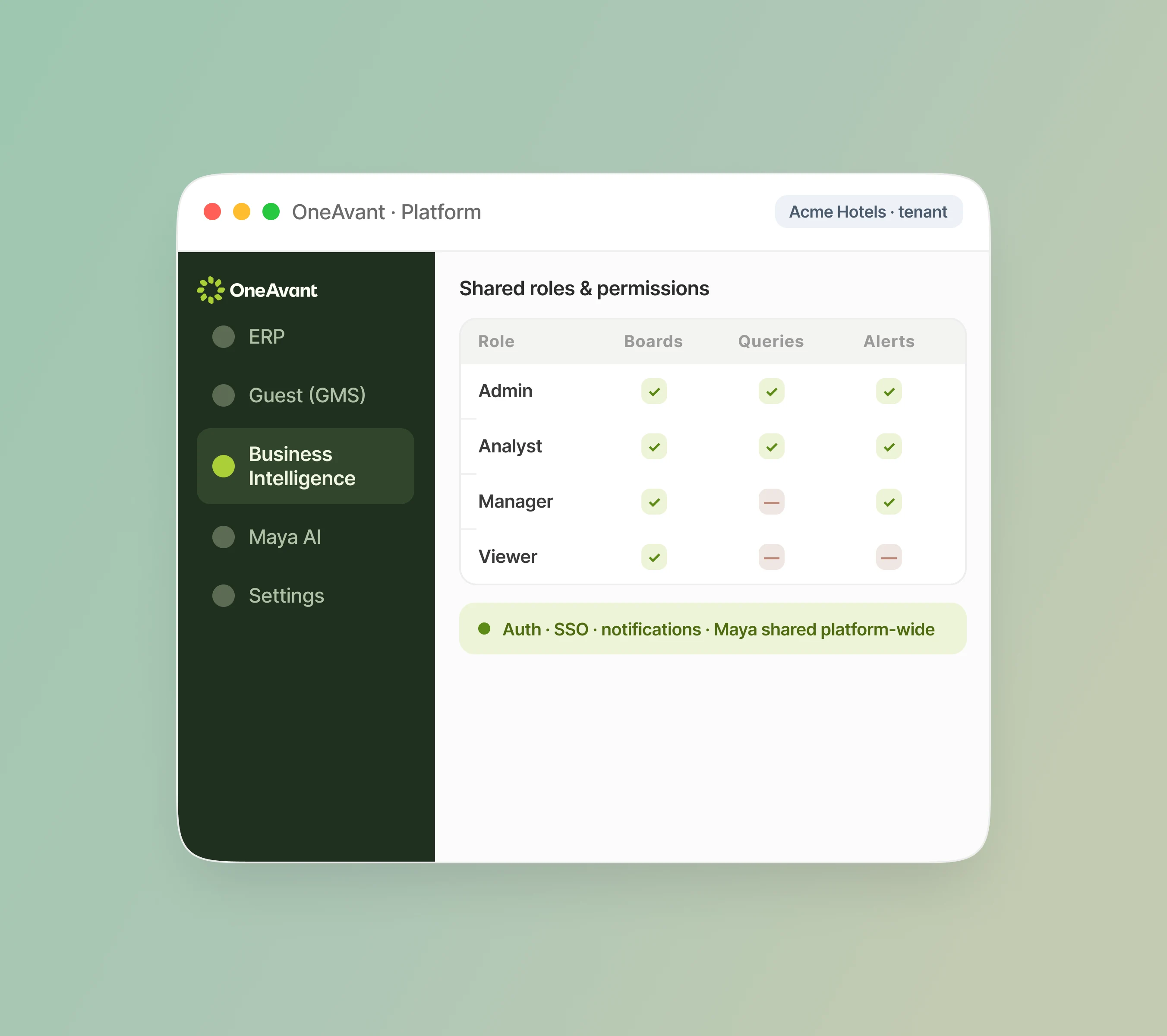
OneAvant Business Intelligence shares authentication, tenant isolation, permissions, notifications, and AI with the rest of the OneAvant platform. Analytics respects the same org boundaries, roles, and modules your team already manages.
Ask the questions that matter
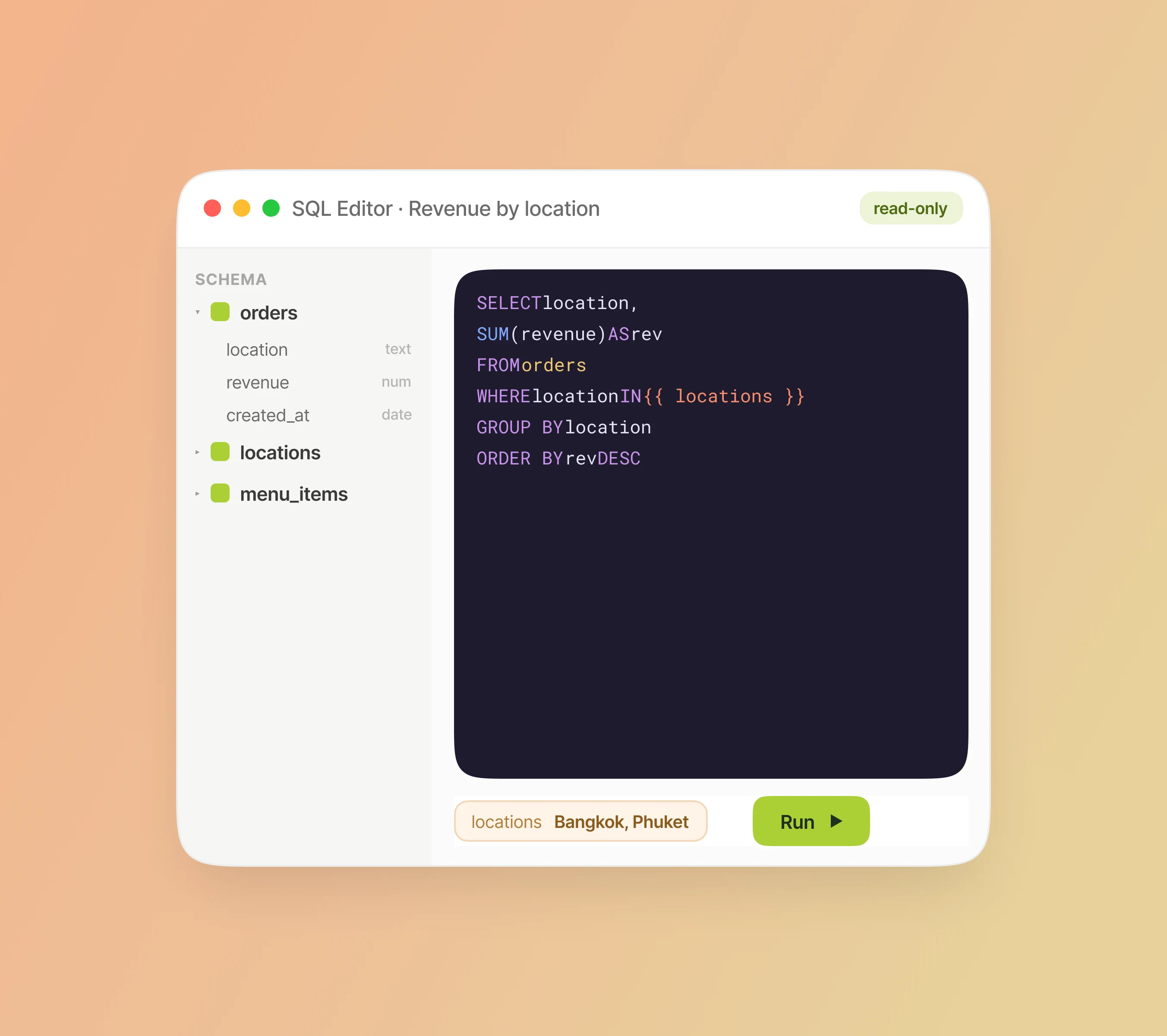
Queries are saved, reusable analytical questions: the building blocks of dashboards, alerts, and AI conversations. The SQL editor is built for analysts who want full control, with guardrails that keep queries read-only, time-bounded, and safe.
One analytics layer. Every source connected.
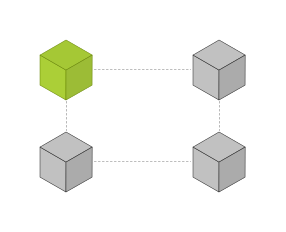
OneAvant Business Intelligence automatically syncs data from your operational systems into a dedicated analytics warehouse, then gives analysts, ops leads, and leadership one place to query, build dashboards, share results, and set alerts.




Analysts build. Managers explore. Leadership receives.
OneAvant BI turns connected data into a clear workflow for every level of the business. Analysts build trusted queries and Databoards, managers explore the numbers, and leadership receives the insights automatically.

An analytics platform built for hospitality operators.
AvantBI

Ships with connectors, warehouse, ETL, dashboards, sharing, and alerting as one product.
Syncs everything into one tenant-isolated warehouse, ready for cross-source SQL.
Schedules PDF and Slack shares with optional AI-written executive summaries.
Turns any saved query into a scheduled alert: email or Slack when conditions are met.
Traditional tools

Requires months of data engineering before the first dashboard.
Stores each system's data separately.
Reporting depends on someone pulling exports.
Monitoring means checking dashboards manually.
Frequently Asked Questions
1. Which systems can OneAvant BI connect to?
2. Can we combine information from different systems and locations?
3. Is our data secure, and can we control who sees what?
4. What happens if our system doesn't have a pre-built connector?
5. Can OneAvant BI create custom alerts?
6. How often is our data updated?
7. Can we share dashboards with people who don't use OneAvant?
8. Can we connect our own database directly?

Bring clarity to your operation.
See how OneAvant Business Intelligence helps your team connect POS, delivery, loyalty, HR, food cost, and finance into one reliable analytics platform.